Settings, updates & account
Disk Space keeps its options short: four switches, an updater, and an optional sign-in. Settings opens from the app menu: the menu bar on macOS (or press ⌘,), the menu in the top-right corner on Windows and Linux.
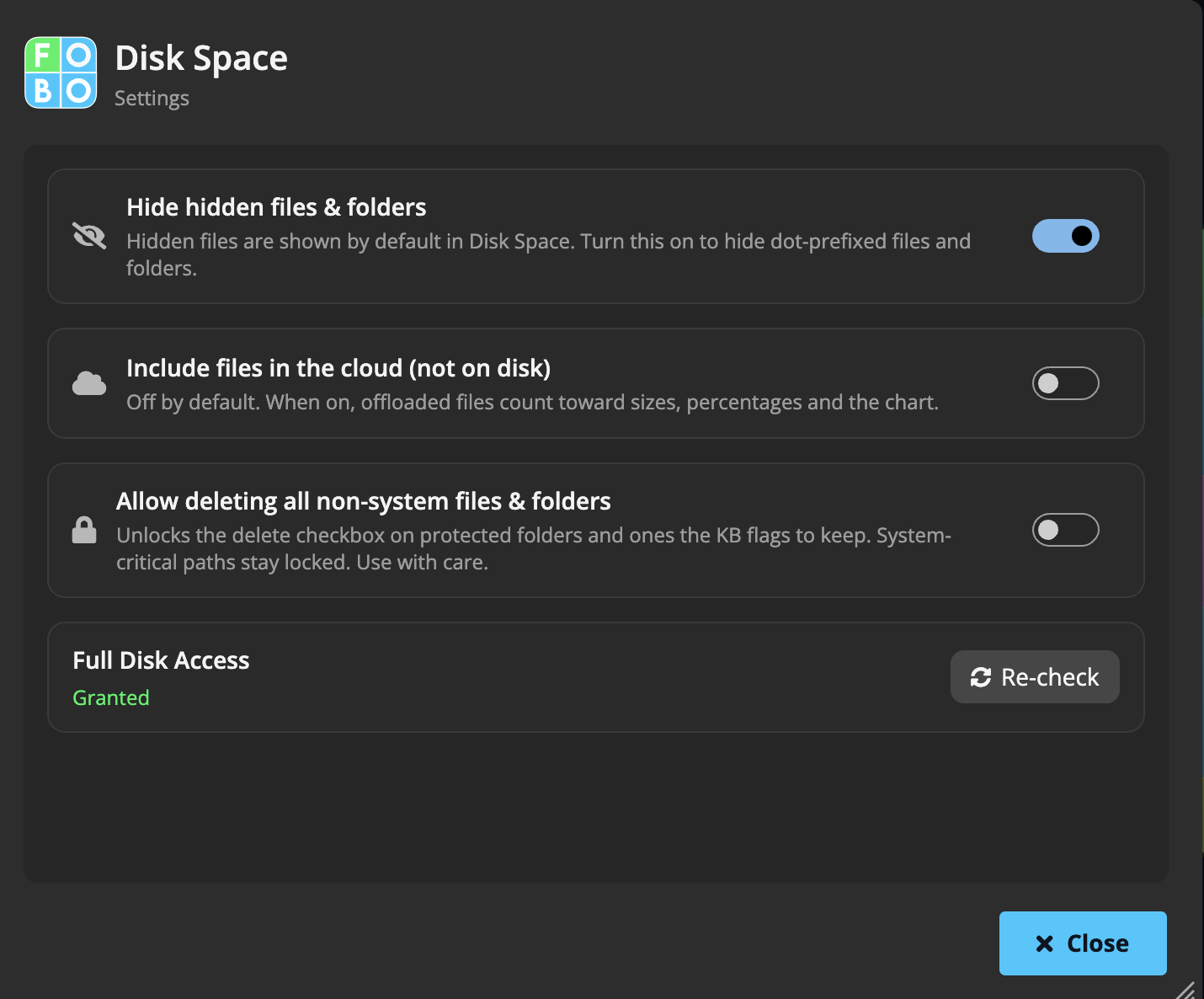
The switches
| Setting | What it does |
|---|---|
| Hide hidden files & folders | Hidden (dot-prefixed) items are shown by default, greyed out, because they can hold real space. Turn this on to leave them out of the view. |
| Include files in the cloud (not on disk) | Off by default. Cloud-offloaded files take no local space, so they normally don't count. Turn this on and they count toward sizes, percentages and the chart, useful when you care about the logical total rather than local disk usage. |
| Allow deleting all non-system files & folders | The expert override: lifts the grey ban on protected folders and on ones the knowledge base flags to keep, so their delete checkbox ticks. Red-banned system-critical paths stay barred no matter what. Use with care, and see Safety verdicts & bans. |
| Full Disk Access (macOS) | Shows whether access is Granted or Not granted, with Re-check and Grant access buttons. See Full Disk Access. |
Checking for updates
Pick Check for Updates… from the app menu. The app tells you plainly whether you're on the latest version or downloads the new one. Updates are only available in the installed version; if you're running a development build, the updater says so.
Your account
The chip in the top-right corner shows your sign-in state: a cyan Sign in when you're signed out, your name in green when you're signed in. Signing in uses your FOBO account: continue with Google, Apple or Microsoft, or use email and password.
You don't need an account to clean your disk. Scanning, deleting and moving all work signed out. The account is only used for contributing to the folder knowledge base.
The rest of the menu
| Item | What it does |
|---|---|
| Settings | Opens the window described above. |
| Check for Updates… | Checks and installs app updates. |
| Help | Opens this help site. |
| Privacy Policy | Opens the FOBO privacy policy. |
| Sign out | Signs your FOBO account out of the app (shown only while signed in). |
Didn't find your answer?
We're happy to help. Open a ticket and we'll get back to you.