The AI assistant
The AI assistant is a helper you can chat with while you build a form or work with your records. It's like having someone sitting next to you: you describe what you want in plain words, and it does the fiddly bits for you.
Where to find it
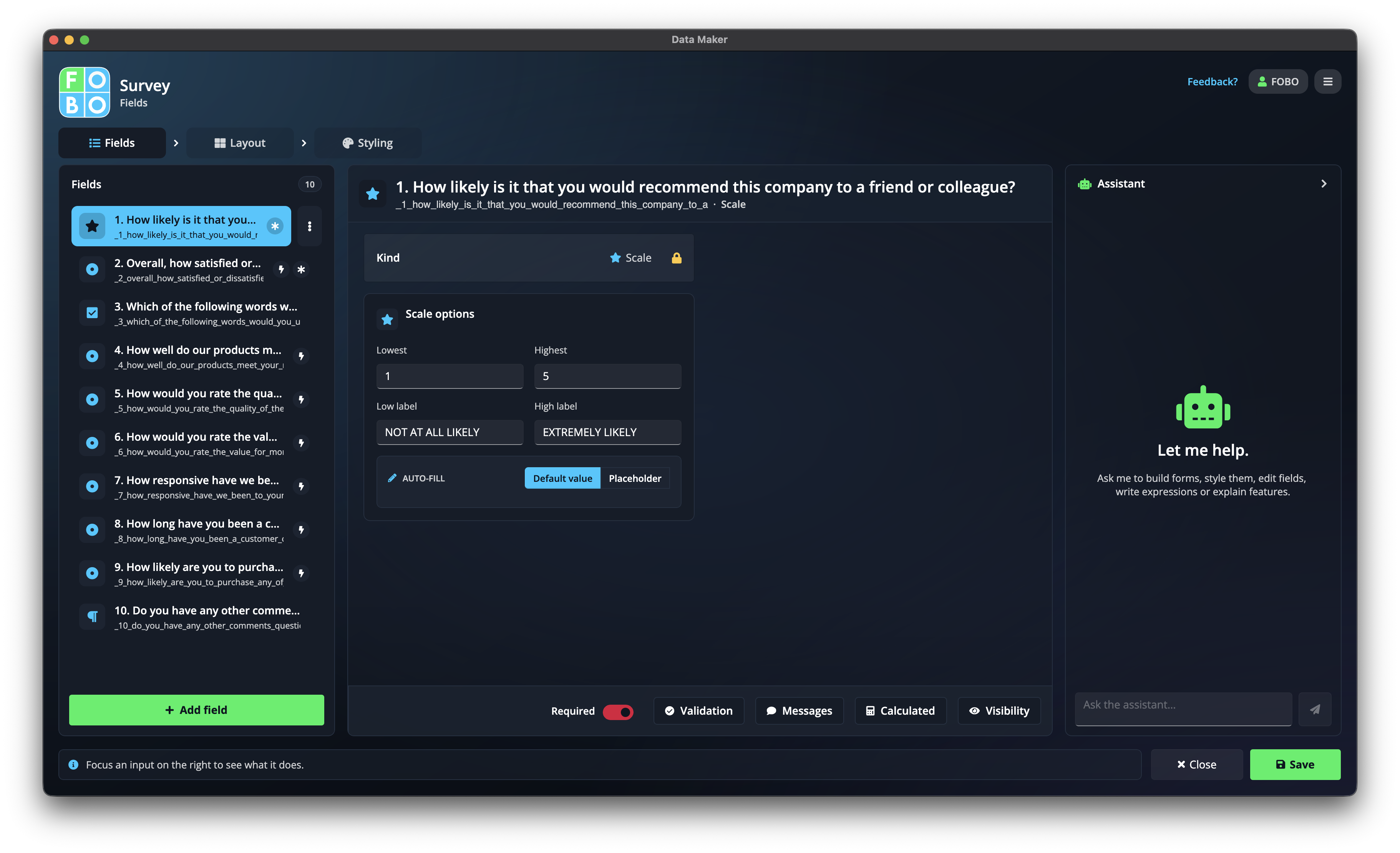
The assistant lives in a side panel. You'll see it while you're building a form (across the design tabs) and again on the records screen. Open the panel, type what you'd like, and it gets to work.
What it can do
Draft a whole form
Describe the form you have in mind and the assistant builds a first version for you to tweak.
Add or change questions
Ask it to add a new question, reword one, or remove something you no longer need.
Adjust the layout and look
Have it rearrange the layout or change the styling so your form looks just right.
It can also lend a hand on the records screen, helping you make sense of and work with the entries you've collected.
Just say what you want
There's no special way to talk to it. Write the way you'd ask a helpful colleague. For example:
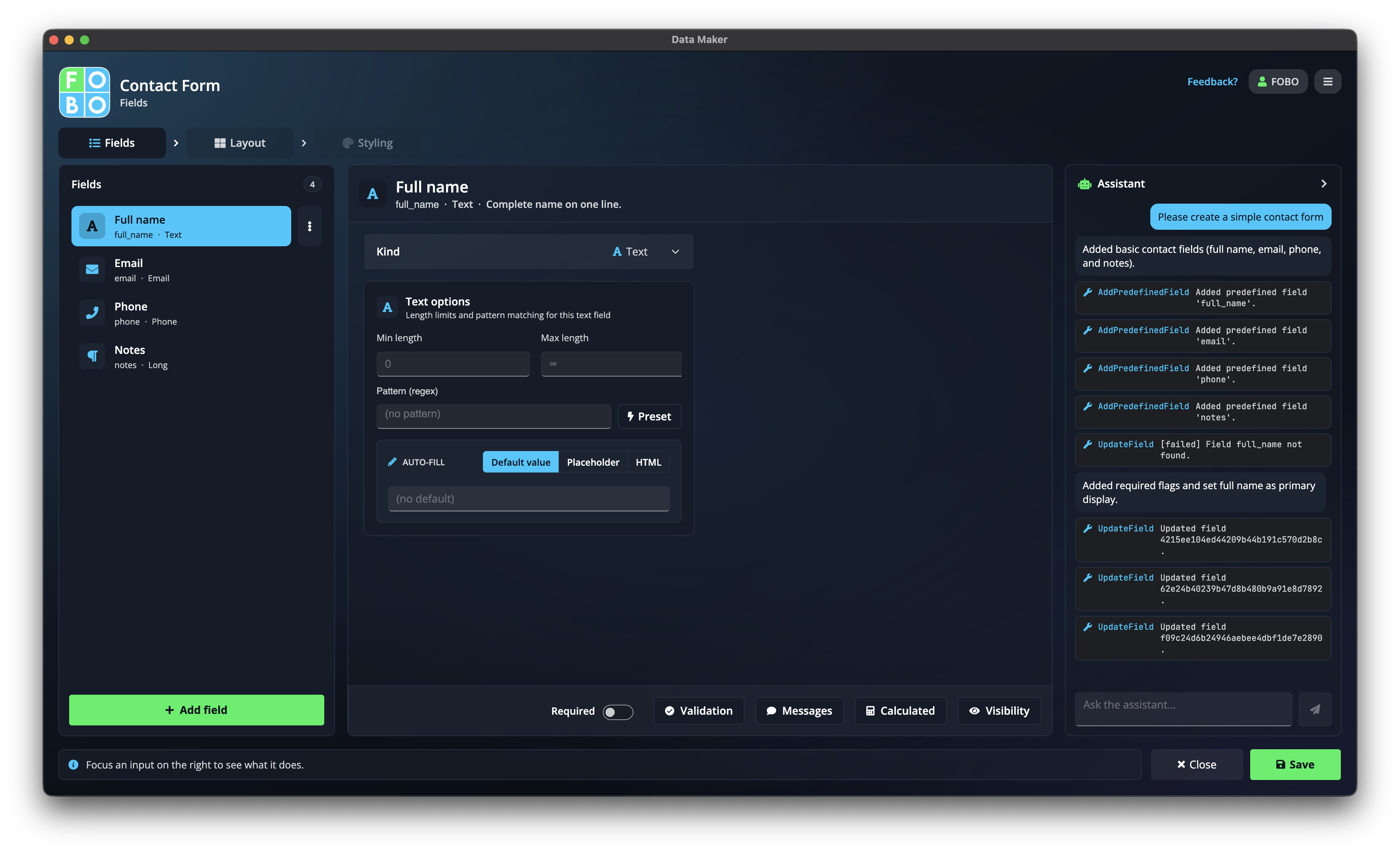
- "Make me a customer feedback form with a star rating and a comments box."
- "Add a question asking how they heard about us, with a few options to choose from."
Always look over what the assistant changes before you save. It's quick and clever, but it's worth a glance to make sure it did exactly what you had in mind.
Credits
The assistant runs on credits. You get an allowance to use it, and you can top up with more whenever you need them. See your account and credits to check how many you have and to buy more.
Not sure where to start with a new form? Describe it to the assistant in one sentence and let it draft the basics, then refine from there. It's often faster than starting from a blank page.
Didn't find your answer?
We're happy to help. Open a ticket and we'll get back to you.