Backups
Automatic safety copies of everything you've collected, like keeping a photocopy of your whole filing cabinet somewhere safe, just in case.
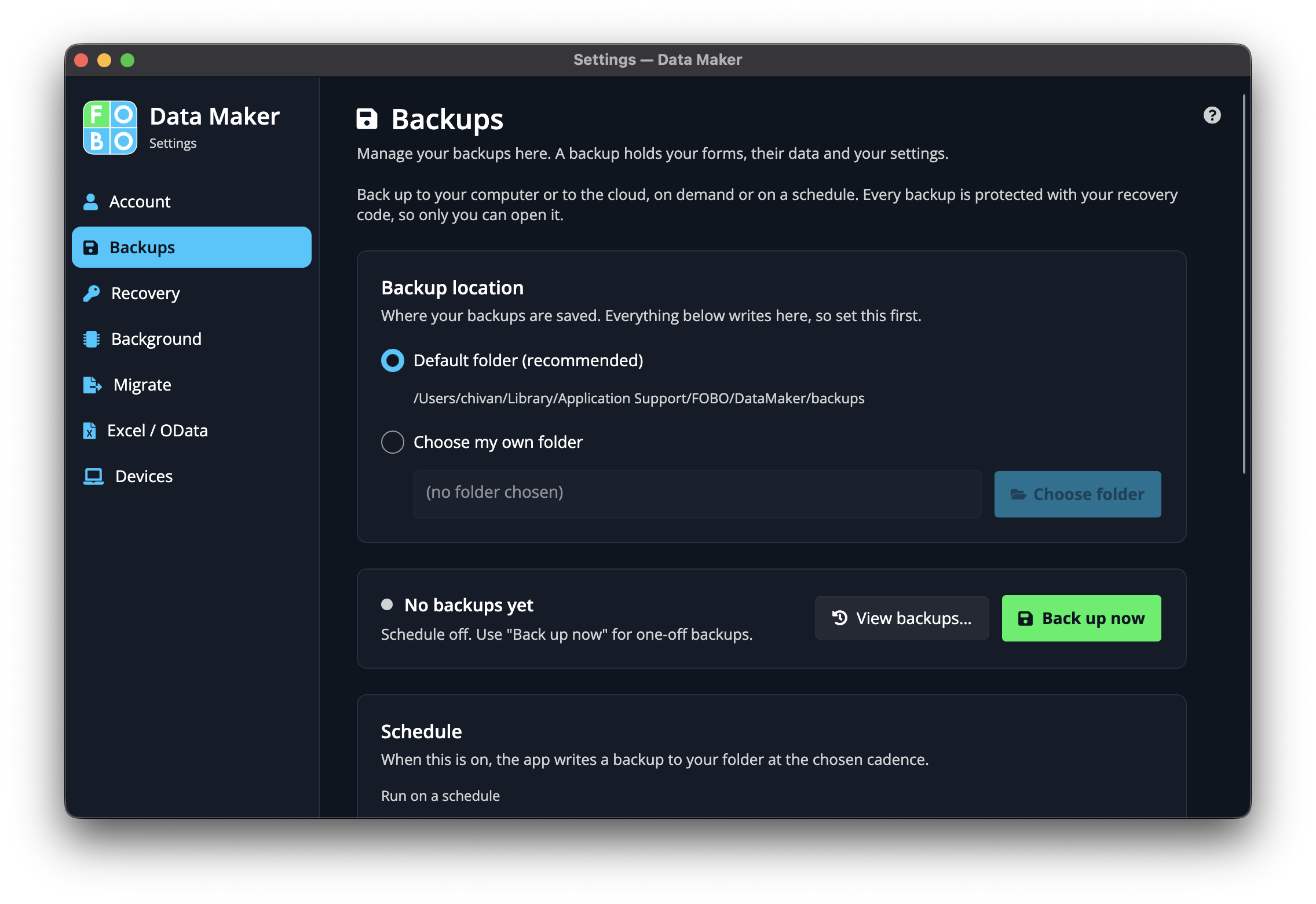
A backup is a complete snapshot of your forms and entries, saved as a single file. If your computer ever has a bad day, you can bring everything back from one of these copies. The Backups page lets you decide how often they're made and where they're kept.
Where backups are saved
By default, your safety copies are tucked away in a folder on your own computer. The page shows you exactly where that folder is, so you always know where to look.
The schedule
You can let the app make copies for you on a regular basis, so you never have to remember. Two settings shape the schedule:
| Setting | What it does |
|---|---|
| How often | Choose how frequently a fresh copy is made, for example once a day or once a week. More often means a more recent copy to fall back on. |
| How many to keep | Decide how many copies to hold on to. Once you reach the limit, the oldest one is quietly replaced by the newest, so the folder never fills up forever. |
Back up right now
Don't want to wait for the schedule? The Back Up Now button makes a copy on the spot. It's the thing to press just before you try something big, so you've got a fresh copy to return to.
Saving copies to a cloud storage account
Keeping copies only on your computer is fine, until the computer is the thing that breaks. You can also have copies sent to a cloud storage account (an online locker that holds your files away from your desk). Once you've entered the details, a test connection button checks the app can reach the locker before you rely on it.
Always keep at least one copy somewhere other than your computer, such as a cloud storage account or an external drive. A backup sitting next to the original isn't much help if the whole machine is lost or stolen.
Where to go next
When you need to actually bring your data back from one of these copies, head to Recovery.
Didn't find your answer?
We're happy to help. Open a ticket and we'll get back to you.