Background sync
A quiet helper that keeps things up to date even when the app's main window is closed, like a mail carrier who keeps delivering while you're away from home.
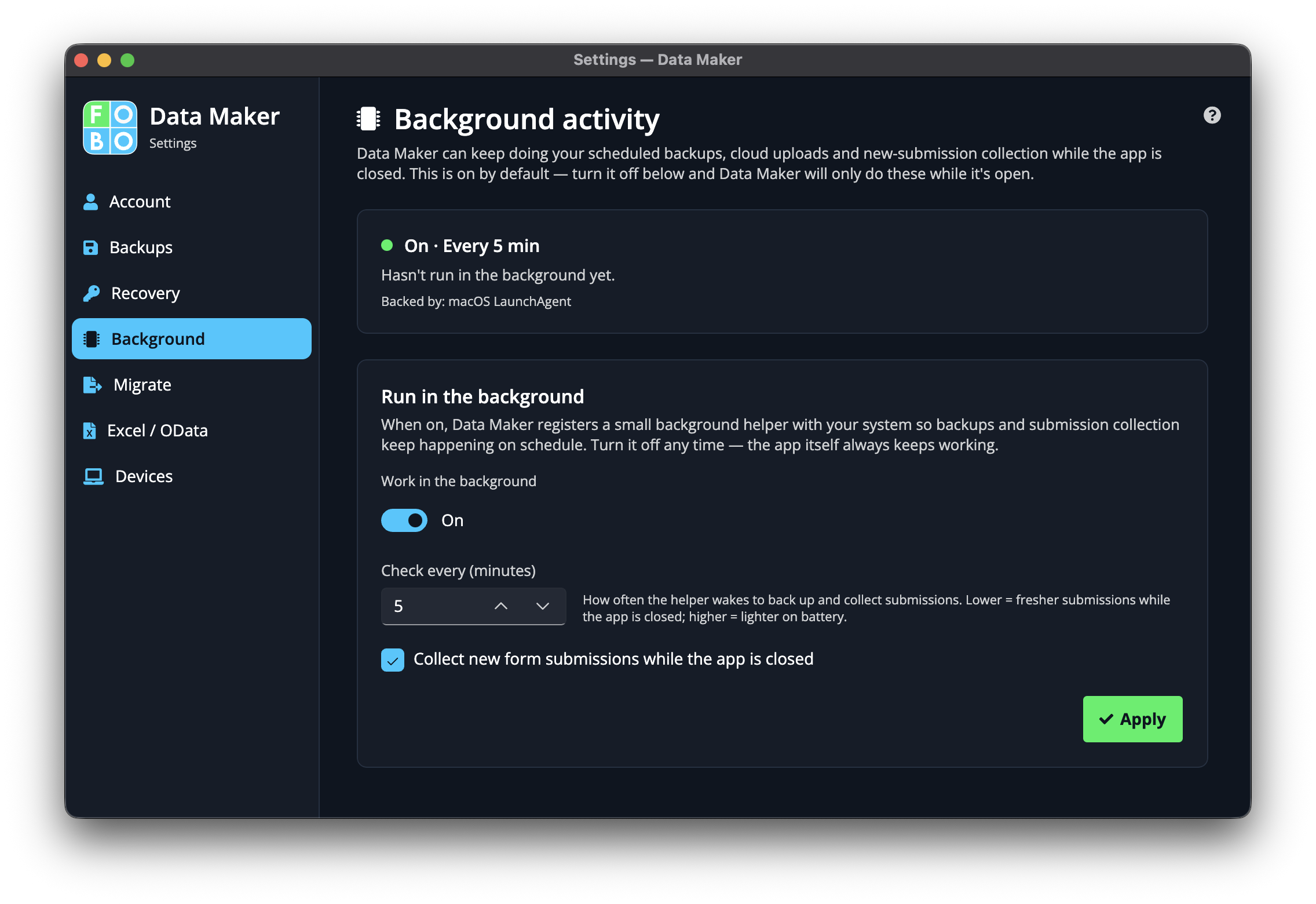
Some jobs are nicer if they happen on their own without you watching. The background helper does exactly that: it keeps your data current in the background, so when you next open the app, everything's already where it should be. The Background sync page lets you decide whether it runs and how busy it is.
Is it running?
At the top, a status tells you whether the helper is currently up and about or sitting idle. It's the quickest way to check the mail carrier is on their route.
Turn it on or off
A simple switch starts or stops the helper. Leave it on if you'd like the app to keep things fresh on its own; turn it off if you'd rather it only do work while you have the app open.
How often it checks
You can choose how frequently the helper looks for things to do: more often for near-instant updates, less often for a lighter touch. Pick whatever suits how quickly you need things to keep up.
Actively check for new things
There's also a checkbox that tells the helper to go out and actively look for new things to bring in, rather than simply waiting. Tick it if you want it to be a little more eager.
Saving your choices
When you've set things the way you like, press Apply to put your changes into effect. Nothing takes hold until you do.
If you mostly use the app in short bursts and don't mind a brief catch-up each time you open it, you can leave the helper off entirely. It's there for convenience, not a requirement.
Didn't find your answer?
We're happy to help. Open a ticket and we'll get back to you.