OData feed
An OData feed is a live link: a secure link that lets other apps on your computer, like Excel or a reporting tool, read your entries directly and always see the very latest, without you exporting a file each time.
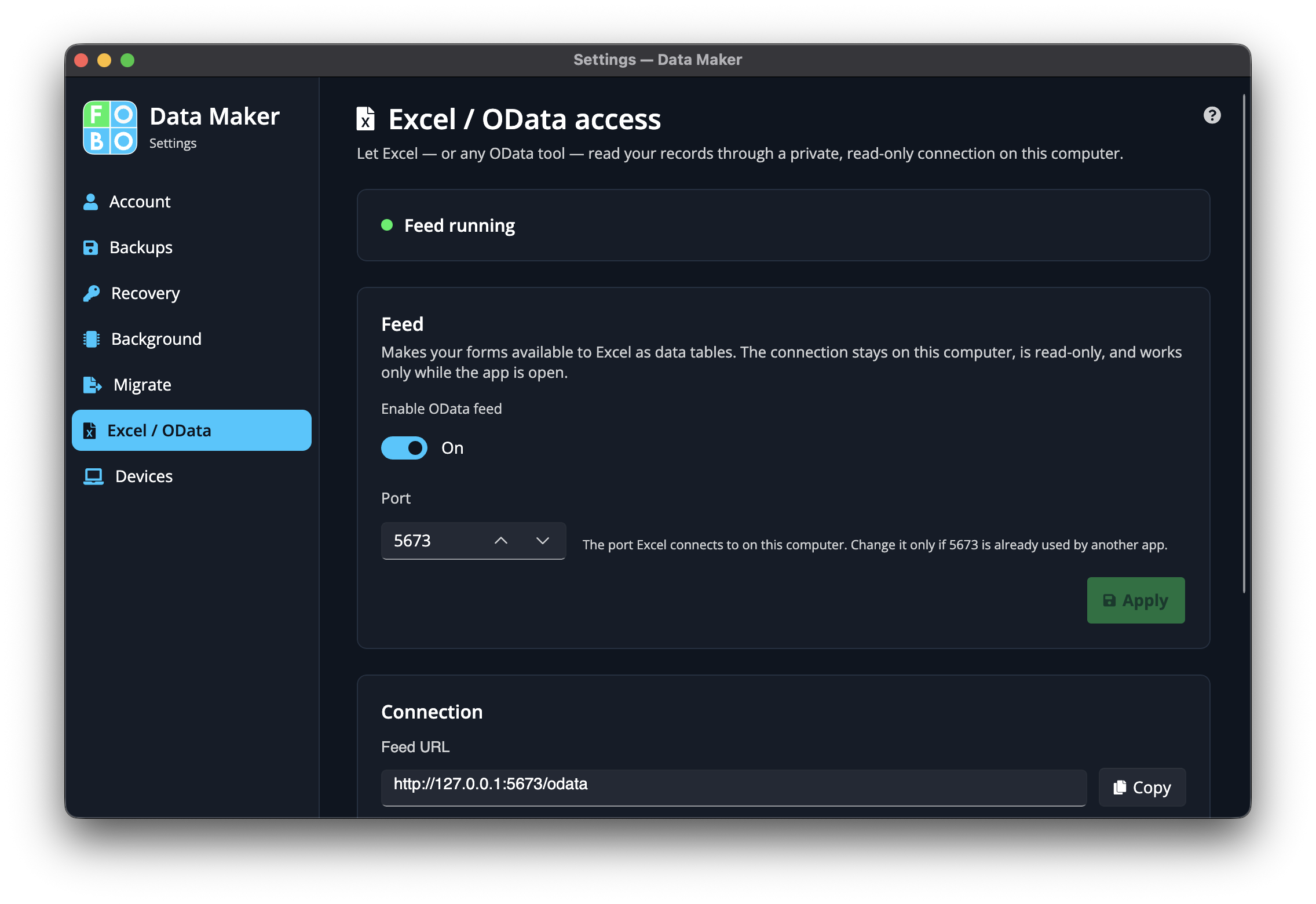
Imagine plumbing a tap straight from your data box into Excel. Instead of saving a file, handing it over, and doing it all again next week, the other app just reads from the tap whenever it wants, and what it sees is always current. That's what the OData feed does.
Turn it on
A simple switch turns the feed on or off. While it's off, the tap is closed and nothing on the outside can read your entries this way. Turn it on only when you want another app to connect.
The address other apps use
When the feed is on, the page shows an address: a web link you paste into Excel or your reporting tool so it knows where to find your data. Copy it and pop it into the other program's "get data from a link" box.
The access key
So that only your apps can read the feed, the link is protected by an access key: a long secret password. You can copy it to paste into the other app, or refresh it to get a brand-new one.
Refreshing the access key instantly retires the old one. Any app where you'd pasted the previous key will stop working until you give it the new one. Only refresh when you've a reason to, for instance if you think the old key has fallen into the wrong hands.
How this differs from a one-off export
A regular export is a snapshot: a photocopy frozen at the moment you make it, which goes out of date the second you add a new entry. The OData feed is the opposite: a living connection that's always up to the minute. Use an export when you want a fixed copy to share or print; use the feed when another app needs to stay continually in step with your data.
Didn't find your answer?
We're happy to help. Open a ticket and we'll get back to you.