Setup & your recovery code
The very first time you open Data Maker, a short walkthrough gets you set up. It's like settling into a new home: a quick look around, a sign-in, and one important key to keep safe.
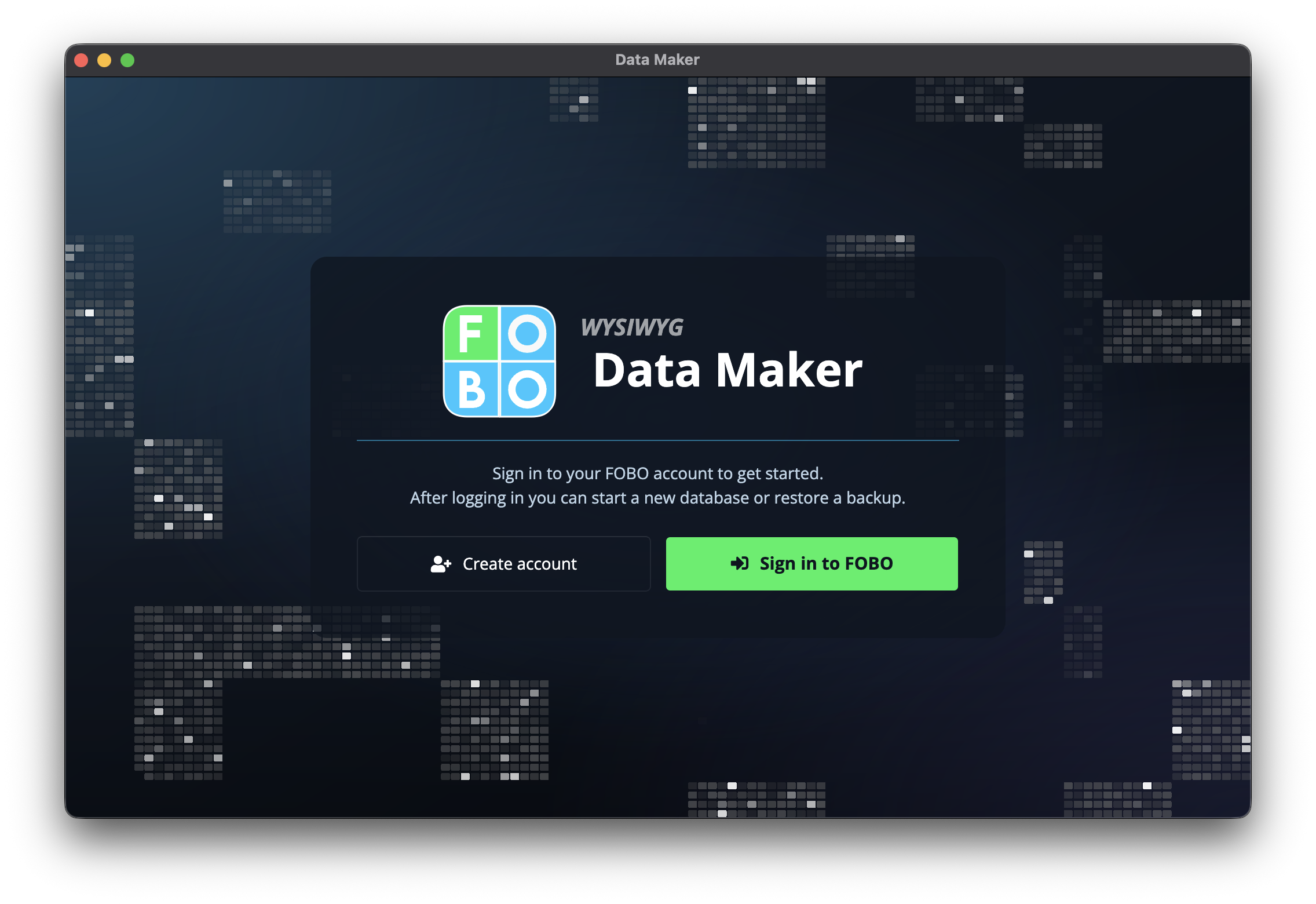
The first-run walkthrough
You only see this the first time. It guides you through a handful of friendly steps.
- A warm welcome. A short hello and a quick idea of what's ahead.
- Sign in or create an account. If you already have a Data Maker account, sign in. If not, you can create one here in a moment.
- Start fresh or restore a backup. Choose to begin with a clean slate, or, if you've used Data Maker before, bring everything back from a backup file.
- Save your recovery code. Data Maker shows you a recovery code. This is the most important step, so read on.
Your recovery code
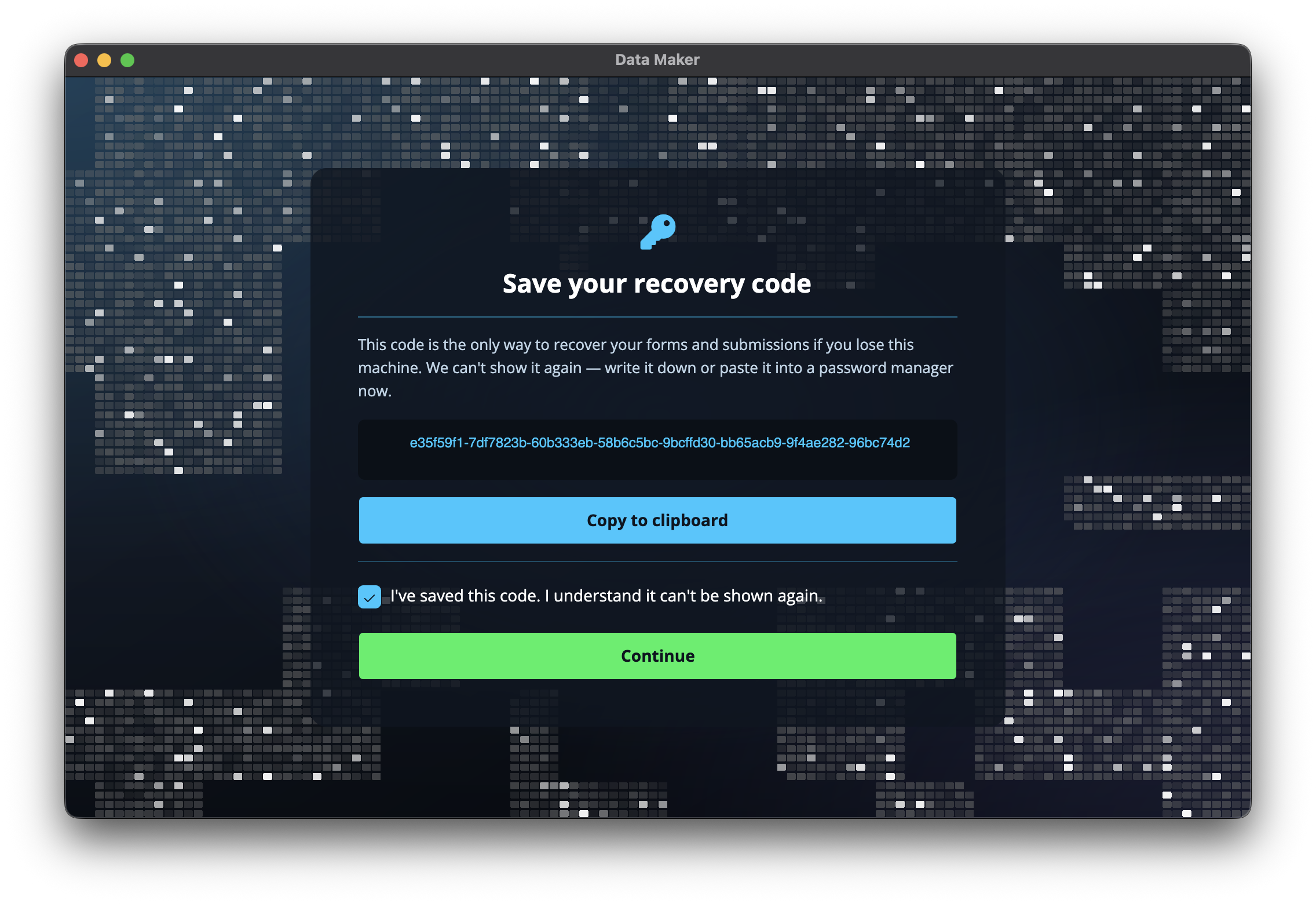
Your recovery code is the one and only key to your data. Everything you create in Data Maker is locked up so that only you can open it, and this code is what unlocks it. It's like the key to a safe.
Write your recovery code down and keep it somewhere safe. If you lose it, no one can open your records, not even us. There's no way to reset it or recover your data without it, by design. Treat it like the key to a safe you can never have re-cut.
You don't need to type it every day, but you'll need it if you ever set Data Maker up again on a new computer, so don't rely on memory alone. A note in a drawer or a password manager both work well. You can find out more under your recovery code.
Keep a copy somewhere separate from your computer. If anything ever happens to the machine, your code is still safely tucked away elsewhere.
Coming back to Data Maker
Have you used Data Maker before? At the "start fresh or restore" step you can bring everything back from a backup file, and your forms and records come along with it. To learn how backups work and how to make them, see backups.
Once setup is done, you land in Data Maker ready to go. You won't see the walkthrough again, but you can revisit your recovery code and backups any time from your settings.
Didn't find your answer?
We're happy to help. Open a ticket and we'll get back to you.