Your devices
The computers where you've set up Data Maker, grouped by data store, like seeing which phones are signed into your account.
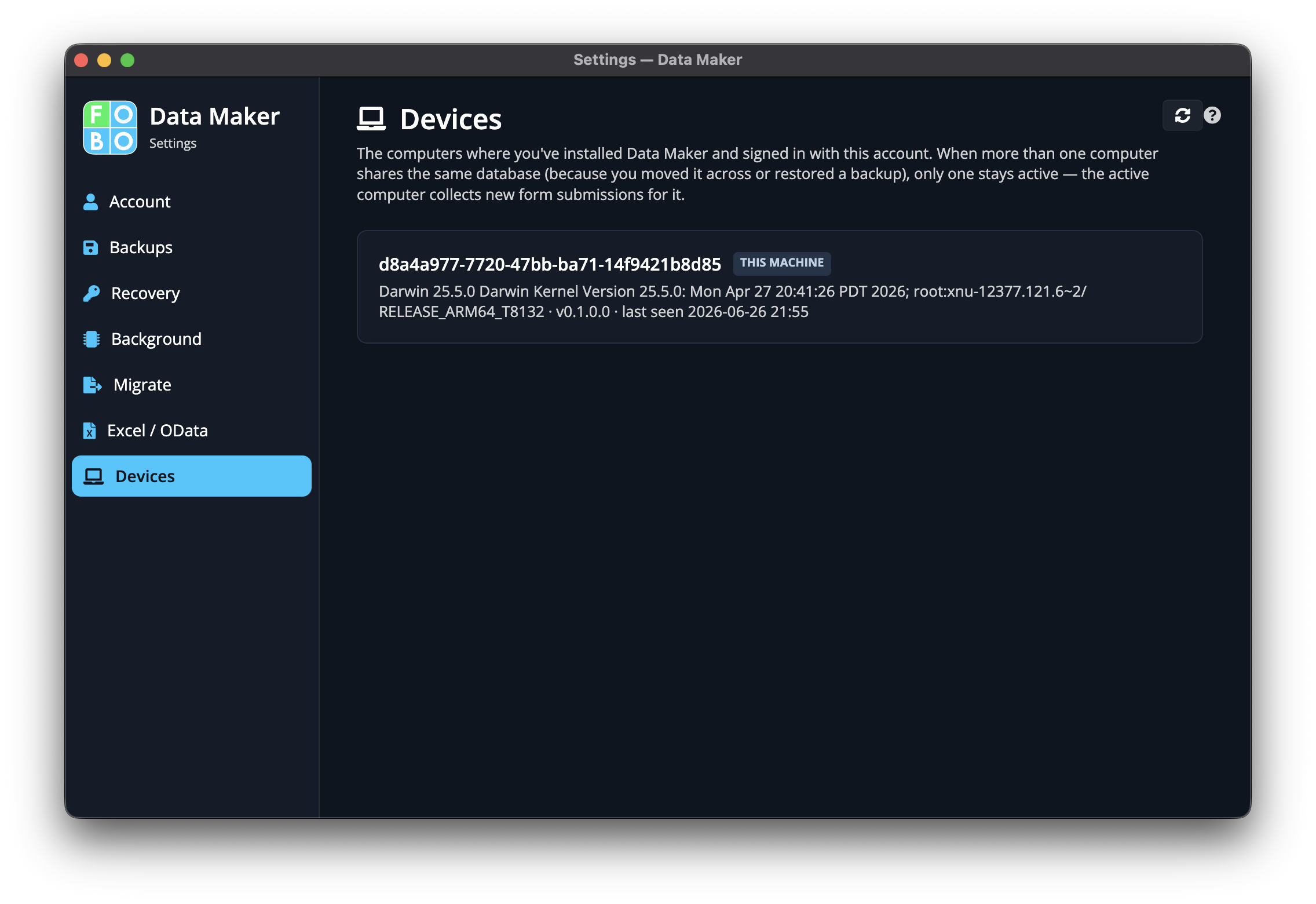
You might use Data Maker on more than one computer, say a laptop at home and a desktop at work. The Your devices page shows you every machine where you've set things up, so you always know where your data store can be opened.
The list of devices
Each computer appears in the list, gathered together under the data store it belongs to. It's a quick way to take stock: if you spot a machine you don't recognise, you'll know to look into it, just as you would an unfamiliar phone on your account.
Marking the active one
One device can be set as the active one. You'll see a way to mark a computer in the list, putting your flag on the machine you treat as your main one.
Why this matters
The active device is the one the app treats as your home base: the primary computer for your data store. Pointing to the right one keeps things tidy and predictable, so the app always knows which machine is leading the way.
If you've retired an old computer, it's worth coming here to confirm the right machine is marked as active, so your main one is the one in charge.
Where to go next
To check your own details, your credits, and your data store, head to Account.
Didn't find your answer?
We're happy to help. Open a ticket and we'll get back to you.